How to Choose the Perfect Gamer PC for Your Needs
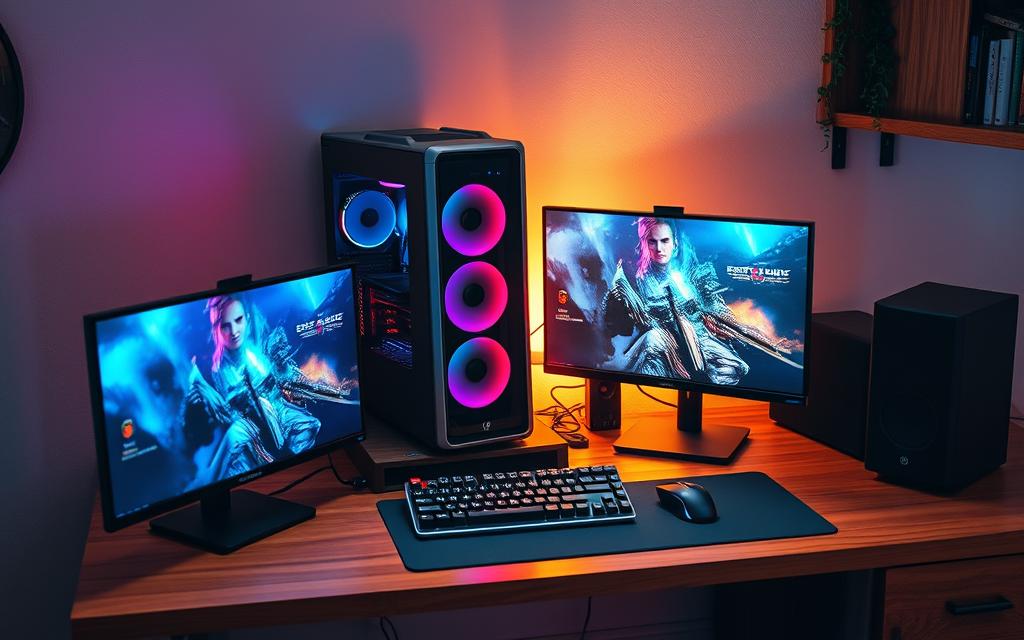
Finding the right gaming computer can seem like a big challenge. There are many technical details and opinions to consider. It’s important to pick a system that fits your gaming style and needs perfectly.
Think about the games you like to play. Do you enjoy quick action games or detailed adventures? Different games need different computer parts.
How much you want to spend is also key. Knowing which parts give you the best value helps you build a great gaming PC without spending too much.
This guide will show you what to look for in a gaming PC. We’ll help you choose a setup that matches your gaming style and budget.
Understanding Your Gaming Requirements
Before picking parts for your gaming PC, you need to know how you play games. This step makes sure your system fits your gaming style, not just generic advice.
Related Posts:
Identifying Your Preferred Game Genres
Various game genres need different hardware. For example, fast-paced games like Valorant or CS:GO focus on quick frame rates at lower resolutions. They work best with strong CPUs and mid-range graphics cards.
On the other hand, games like Cyberpunk 2077 or Red Dead Redemption 2 need powerful GPUs. They handle detailed graphics and complex scenes.
Strategy games and MMOs need strong multi-core processors. They handle lots of calculations and background tasks. Knowing your favourite game genres helps decide where to spend more on components.
Setting Performance Expectations
Your performance expectations guide your component choices. Think about the resolution and refresh rate you want. This decides if you need basic or top-notch hardware.
For 1080p gaming at 60Hz, you can get away with modest parts. Mid-range CPUs and GPUs are enough for smooth play without breaking the bank.
1440p gaming, though, needs more powerful graphics cards. You’ll see a big jump in visuals compared to 1080p. It’s a popular choice for serious gamers.
4K gaming is the ultimate goal, requiring the best components. Both CPU and GPU must be top-notch for smooth play. It’s the highest level of gaming quality.
Remember, higher resolutions affect different parts differently. GPUs handle the load of higher resolutions, while CPUs are key for fast frame rates. Balance your performance expectations with what you can afford.
Establishing Your Budget for a Gamer PC
Setting a realistic gaming PC budget is key. It decides how well your PC will perform. You need to find a balance between what you want and what you can afford.
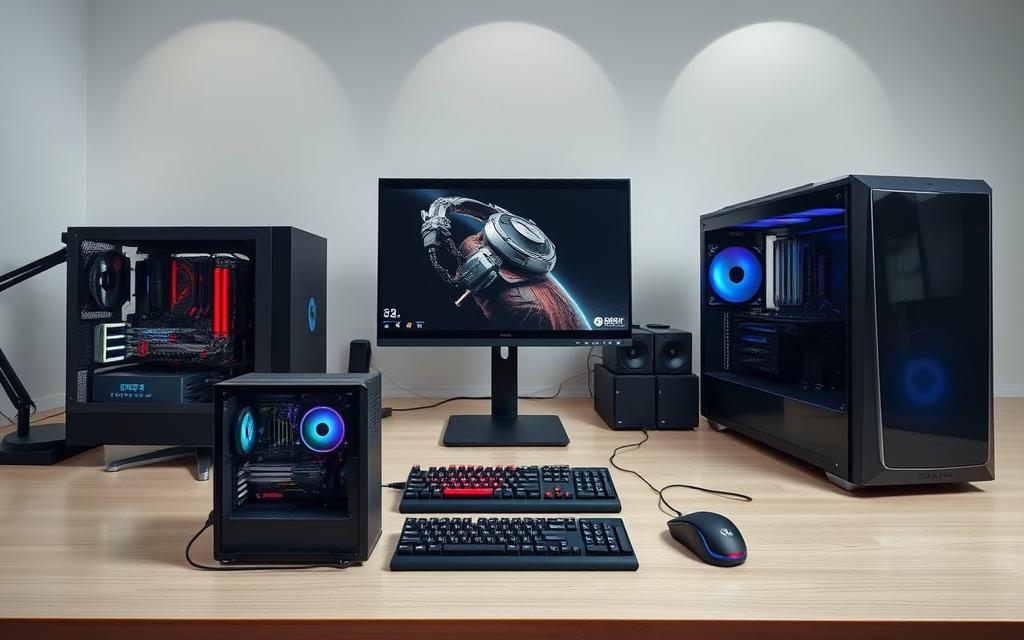
Different budgets mean different gaming experiences. You can get smooth 1080p or stunning 4K visuals. Knowing these options helps you choose wisely.
Budget Tiers and Their Capabilities
For under $1,000, you get solid gaming. The MSI Codex R2 at $999.99 is great for 1080p games.
This budget is perfect for esports and some demanding games. You’ll get smooth play without spending too much.
Spending between $1,000-$2,000 gets you better performance. The Maingear MG-1 Silver at $1,149 offers better graphics and speed.
For the best, spend over $2,000. The Alienware Area-51 at $2,949.99 is ideal for 4K and heavy tasks. It runs demanding games at top settings.
| Budget Tier | Price Range | Performance Level | Example System |
|---|---|---|---|
| Entry-Level | Under $1,000 | 1080p Gaming | MSI Codex R2 ($999.99) |
| Mid-Range | $1,000-$2,000 | Enhanced 1080p/1440p | Maingear MG-1 Silver ($1,149) |
| High-End | $2,000+ | 4K Gaming/Content Creation | Alienware Area-51 ($2,949.99) |
Think about what you like in games when choosing a budget. If you’re into competitive games, look for high refresh rates. Story lovers might prefer better resolution.
Don’t forget about peripherals and future upgrades. Planning your budget for all parts ensures a well-rounded system that meets your needs.
Finding the right affordable gamer PC is all about balance. By considering these budget tiers, you can get a great gaming experience without overspending.
Selecting the Right Central Processing Unit (CPU)
Your gaming PC’s brain is its central processing unit. Choosing the right CPU for gaming is key. It handles game logic, physics, and works with your graphics card for smooth play.
Modern processors vary in what they can do. Knowing these differences helps you pick the best one for your gaming needs and budget.
Core Count and Clock Speed Considerations
When looking at processors, focus on core count and clock speed. Core count is how many processing units the CPU has. Clock speed is how fast each core works.
Most games need 6-8 cores for the best performance. But, some games focus more on single-core speed. So, clock speed is also important.
For gaming, aim for a balance between core count and clock speed. A processor with fewer cores but higher speeds often beats one with more cores but slower speeds.
Recommended CPUs for Different Budgets
Choosing the right recommended CPUs depends on your budget. There are great options at various price points.
Intel’s Core Ultra 200S series is great for mid-range budgets. Intel fans should also consider 13th and 14th Gen chips for top gaming performance.
AMD’s Ryzen 9000 processors offer more power, with the Ryzen 7 9800X3D being the top choice for enthusiasts. Its extra cache memory boosts gaming performance in many games.
For competitive gaming, selecting the right esports CPU is critical. Look for good single-thread performance and thermal management for long gaming sessions.
| Budget Tier | Recommended CPU | Core Count | Base Clock Speed |
|---|---|---|---|
| Entry-Level | Intel Core i5-13400F | 10 cores | 2.5 GHz |
| Mid-Range | AMD Ryzen 5 7600X | 6 cores | 4.7 GHz |
| High-End | Intel Core i7-14700K | 20 cores | 3.4 GHz |
| Enthuasiast | AMD Ryzen 7 9800X3D | 8 cores | 4.2 GHz |
This table shows how different budgets match with processor capabilities. Higher budgets mean more cores and faster speeds.
Remember, your CPU should work well with your graphics card. A balanced system gives the best gaming experience in all games and settings.
Choosing the Best Graphics Processing Unit (GPU)
Your graphics card is the heart of your gaming PC. It turns complex data into beautiful images. When picking a GPU, think about today’s games and what’s coming next.
Nvidia and AMD offer great choices. Nvidia’s RTX 50-series, like the RTX 5090, RTX 5080, and RTX 5070 Ti, show their latest tech. AMD has the RX 9000 series, with the RX 9070 XT and RX 9070, both with 16GB of VRAM.
Matching GPU to Monitor Resolution
The resolution of your screen affects what GPU you need. Higher resolutions need more power to keep games running smoothly. Here’s how to choose the right GPU for your screen:
- 1080p Gaming: Cards like the RTX 4060 or AMD RX 7700 XT work well at this resolution
- 1440p Gaming: The RTX 5070 Ti is great for QHD displays
- 4K Gaming: For ultra-high-definition gaming, go for the RTX 5080 or RTX 5090
At higher resolutions, having enough VRAM is key. Modern 4K games use 12GB or more. AMD’s RX 9070 series has 16GB, meeting this need.
Think about the future when choosing a GPU. A slightly more powerful card will last longer. The latest GPUs from Nvidia and AMD support new gaming tech.
Don’t forget about monitor refresh rate. High refresh rate screens need GPUs that can handle high frame rates. Choose a GPU that matches your resolution and refresh rate for the best gaming.
Balancing Memory and Storage Options
A gamer PC’s speed depends on RAM and storage drives. These parts help games load fast and run smoothly. The right mix makes gaming great.
Modern games need lots of memory. For most games, 16GB RAM is good. But, for big games and multitasking, 32GB or even 64GB is better.
Optimising RAM Speed and Timing
RAM’s speed and timing are key. Memory speed in MHz shows how fast data moves. Faster speeds mean better performance in games.
Timing latencies are also important. Lower numbers mean quicker responses. But, the difference is small for most gamers. Look for a balance between speed and timing.
High-end systems like the Corsair Vengeance i7600 show what’s possible. With 64GB DDR5-6000 RAM, they run games smoothly, even with other apps open.
Your storage options are just as important as RAM. SSDs are better than HDDs for gaming. They’re much faster.
SSD technology is faster because it has no moving parts. Games load quickly, and textures pop in less. Even budget PCs now use SSDs for games and the OS.
For the best performance, use a two-drive setup. A fast NVMe SSD for games and a larger SATA SSD or HDD for storage. This gives you speed and space.
Choose drives with good write speeds and endurance. This keeps your drive fast over time, even with many game updates.
Deciding Between Pre-built and Custom Builds
Choosing between ready-made systems and custom computers is a big decision for gamers. It affects how well the system works now and how easy it is to improve later.
Pre-built systems are quick to use and easy to set up. Custom builds let you tailor your computer exactly how you want it. The right choice depends on your gaming style, technical skills, and how much time you have.
| Feature | Pre-built Gaming PC | Custom Build |
|---|---|---|
| Convenience | Ready to use out of the box | Requires assembly time |
| Warranty Coverage | Complete system protection | Individual component warranties |
| Customisation Options | Limited to available configurations | Complete control over every component |
| Technical Support | Single point of contact | Multiple manufacturers to contact |
| Cost Efficiency | Potentially higher markup | Better value for money |
Top Pre-built Gamer PC Brands
Many brands lead the pre-built market with gaming-focused systems. They use top-notch parts and ensure everything works well together.
Corsair’s Vengeance i7600 is a great choice for those looking for value. It offers recent tech at a good price, appealing to mid-range gamers.
Alienware’s Area-51 series is known for its unique design and top-notch parts. These systems often have the latest tech first.
HP’s Omen 35L is a good mix of affordability and power. It’s praised for its cooling and easy upgrades.
Each brand has its own strengths. Corsair is known for its parts, Alienware for gaming heritage, and HP for being accessible yet powerful.
When picking a gaming PC brand, think about how it performs now and how it will in the future. The best one for you depends on your specific needs.
Considering Peripherals and Future Upgrades
Your gaming experience goes beyond the tower itself. Gaming peripherals are key to boosting performance. High-refresh monitors, mechanical keyboards, and precise mice change how you play games. Choosing the right peripherals is as vital as picking the right components.
Think about future upgrades when picking a system. The Alienware Area-51 is a great example, with QR codes for easy component swaps. The Lenovo Legion 5i (Gen 8) also offers space for more storage and memory.
Look for cases that are easy to upgrade. They should have tool-less designs, standard mounting points, and good cable management. This makes upgrading later on simple. An upgradeable gaming PC stays relevant for years, saving you money and keeping performance high.
Conclusion
Choosing the right gamer PC is a personal journey. It depends on your gaming likes, budget, and future plans. This guide shows why picking the right parts is key.
Think about your favourite games, what you want from performance, and the specs you need. Also, decide if you want a pre-built system or to build your own. These choices help create your ideal gaming setup.
For the best advice, think about upgrading and what peripherals you might need later. If you’re short on time, look at pre-built PCs. But if you love customising, building your own PC lets you save money and personalise it.
Your decision should make you happy now and in the future. Use these tips to find a PC that performs well and brings you joy for years to come.
FAQ
How do I determine which gamer PC is right for my needs?
First, think about the games you like to play. Do you enjoy esports, RPGs, or FPS games? Also, decide on the screen resolution you want, like 1080p, 1440p, or 4K. Then, look at your budget and pick the right CPU and GPU for your needs.
What budget should I set for a gamer PC, and what can I expect at different price points?
Setting a budget depends on how good you want your PC to be. For 1080p gaming, a budget PC like the MSI Codex R2 is fine. Mid-range PCs are better for 1440p. For 4K gaming, high-end PCs like the Alienware Area-51 are best. Choose based on what you need and your budget.
How important is the CPU in a gamer PC, and which models are recommended?
The CPU is key for handling game data and how fast your PC feels. For efficiency, Intel Core Ultra is good. For power, AMD Ryzen 9000 is excellent. The Ryzen 7 9800X3D is a top pick for gaming. Pick one that fits your budget and gaming level.
Which GPU should I choose for optimal gaming performance?
Choose a GPU that matches your monitor’s resolution. An RTX 4060 is good for 1080p. For 4K, you need a high-end Nvidia RTX 50-series or AMD RX 9000 series GPU. Make sure it has enough VRAM for smooth visuals.
How much RAM and storage do I need for gaming?
For most games, 16GB of RAM is enough. But, 32GB or more, like the Corsair Vengeance i7600’s 64GB DDR5-6000, is better for the future. For storage, SSDs are faster than HDDs. A 1TB or 2TB SSD, like in the Corsair Vengeance, is good for lots of games.
Should I buy a pre-built gamer PC or build a custom one?
Pre-built PCs from brands like Corsair, Alienware, and HP are easy and come with a warranty. They’re great for beginners. Building your own PC lets you customise and save money, but it takes more time and skill. Think about your experience, budget, and what you prefer.
What peripherals and upgrade options should I consider?
Get good monitors, keyboards, and mice that match your PC’s power. For upgrades, choose a system with easy access to parts. The Alienware Area-51 has QR codes for easy upgrades, keeping your setup up-to-date.